Microsoft 365 Apps
El Camino College students have free online access to Microsoft 365 apps — like Word, Excel, Outlook, and PowerPoint — as well as OneDrive cloud storage.
Follow the instructions below to use these apps in your browser or install them on your computer.
Link to Apps
Go to Microsoft 365 Apps in your browser. Bookmark this URL for convenient access.
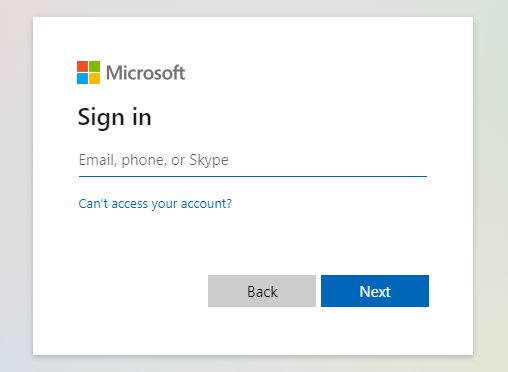
If you see the screen below, provide your @elcamino.edu email address and then sign into MyECC.
Use Apps in browser
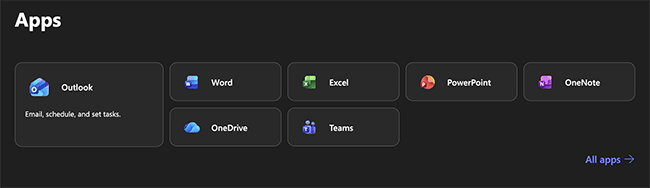
The most popular apps are displayed. Click an app to launch it in your web browser, or click All apps to view additional Microsoft 365 apps.
Install Apps
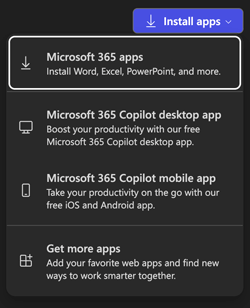
On a PC or Mac, click the Install apps button in the top right to view install options.